Create Studio
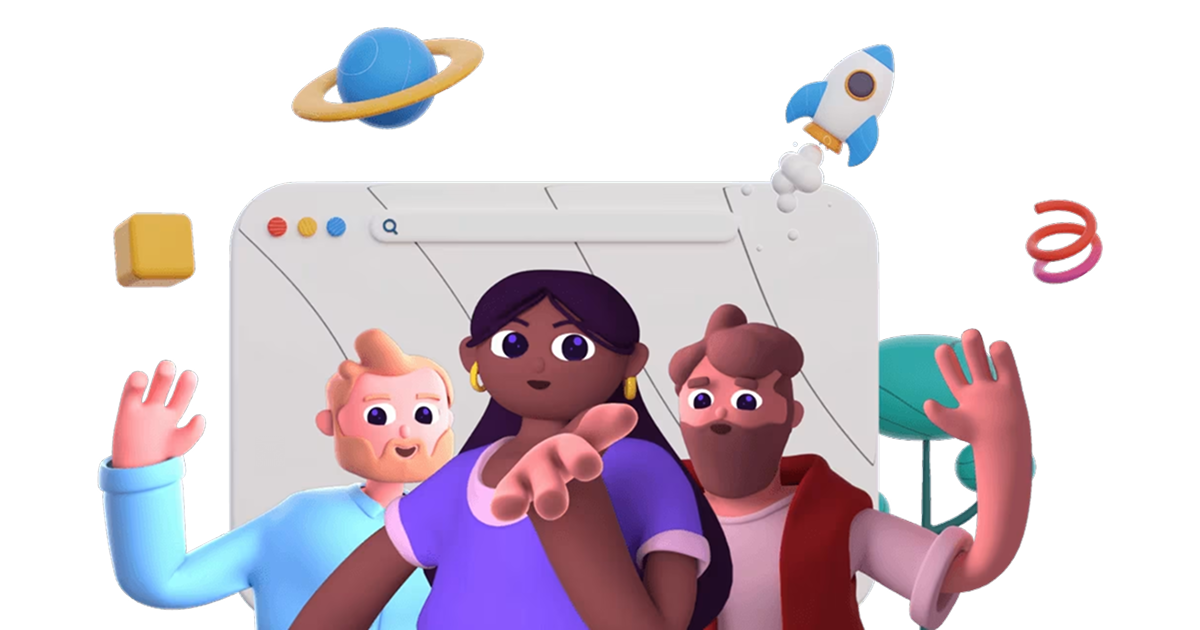
CreateStudio is an AI-powered 3D video maker designed for creators who want explainer videos, promotional ads, social shorts, VSLs, product demos, and 3D animations without learning 3D software. Its signature capability is a character creator that builds custom 3D characters without any rigging or modeling: users rotate characters in full 3D space, set keyframes to make them turn and move, add their own logo to the characters for brand control, and record a voiceover that the character lip-syncs automatically. Beyond characters, CreateStudio includes an advanced editing toolkit. Compositions group elements into editable scenes, blend modes and track mattes stylize media and power animations, and advanced masking works on media, compositions, and corner radius. A built-in library of millions of royalty-free images, videos, icons, and GIFs imports with one click, and pre-built coded components — such as typewriter text effects, subscribe buttons, toggle switches, and record buttons — handle recurring animation needs so users do not rebuild common elements from scratch. Keyboard shortcuts speed up animating and editing, and a template library of pre-made videos is ready to customize in minutes. The company reports more than 90,000 users across 170 countries, with 4.8 out of 5 ratings on review platforms such as Capterra and G2. CreateStudio suits marketers, course creators, YouTubers, and agencies that publish video content frequently, especially teams that rely on animated characters to explain products or pitch services. Specific pricing plans are listed on their website, so visitors should check the plans page for current options. For anyone who wants the look of a small animation studio without the technical overhead of traditional 3D tools, CreateStudio is a practical fit.