AI tools for service businesses and more

Find trusted AI tools to capture leads, respond faster, automate follow-up, book appointments, and grow service businesses, plus tools for every workflow.

All

★ Featured

ChatGPT

ChatGPT

ChatGPT is OpenAI's flagship conversational AI assistant, used by hundreds of millions of people for writing, coding, research, analysis, and image creation. It works through a chat interface on web, desktop, and mobile: you ask in plain language, and it can also browse the web, analyze uploaded documents and spreadsheets, generate images, hold natural voice conversations, and carry out multi-step tasks on its own. Among its capabilities, Deep Research runs extended investigations across many sources and returns structured, cited reports; memory carries your preferences and context across conversations; Projects organizes related work; and Custom GPTs let anyone build a tailored assistant without writing code. The Codex agent writes, explains, and debugs code, while voice mode supports low-latency back-and-forth spoken interaction. Integrations with tools like Canva and PowerPoint extend ChatGPT into everyday creative and office workflows. ChatGPT suits individuals, students, and professionals who want a general-purpose assistant for drafting, brainstorming, learning, and light automation, while Business and Enterprise tiers add shared workspaces, admin controls, and stronger data protections for teams. It runs on OpenAI's current model family, with paid tiers unlocking stronger reasoning models, higher usage limits, priority access at peak times, and an ad-free experience; a free tier with usage caps is available. Plan lineups change often, so it is worth checking the official pricing page before subscribing: recent 2026 reviews describe a free tier, a budget Go tier, Plus at $20 per month, higher-usage Pro tiers, and per-seat business plans. For anyone exploring AI assistants, ChatGPT remains the default starting point: approachable, broadly capable, and closely tied to OpenAI's newest model releases.

featured
General Assistant

All listings

418 listings
Gamma

Gamma

Gamma is a visual communication platform for creating presentations, documents, websites, graphics, and social content with the help of an expert AI agent. Instead of starting from a blank slide, users start with a prompt, an outline, or an existing file, and the agent orchestrates the process: brainstorming begins with a conversation and an outline so the story is shaped first, design applies a described style or attached inspiration matched to content, audience, and brand, and refinement happens through chat edits, smart layouts, or full freeform editing where anything can be moved anywhere. The platform connects to existing workflows. It imports PowerPoint and PDF files with formatting preserved, pulls real content from more than 25 connectors including Slack, Notion, Dropbox, and Salesforce, and can start from AI assistants such as Claude and ChatGPT. Exports go back to PowerPoint and PDF with high fidelity, and projects can be shared privately, with a team, or publicly with real-time collaboration. Brand controls, workspace templates, and custom instructions keep team output consistent, and enterprise workspaces add SSO, SCIM, permissions, and admin controls. Gamma reports more than 100 million users, including startups, universities, and global companies, and offers a free plan with AI credits to get started, with paid plans adding credits and team capabilities. It suits founders pitching investors, educators, consultants, and marketing teams that need polished decks and one-page sites fast. For teams comparing AI presentation tools, Gamma's strength is producing finished, on-brand visual work from rough ideas in minutes — and any single idea can be repurposed across presentations, documents, and websites in the same brand style.

Bardeen.ai

Bardeen.ai

Bardeen is an AI automation platform that has repositioned around a single promise: find and reach leads no one else can. It combines an agentic web scraper, AI qualification, and contact enrichment so sales teams can build targeted prospect lists without the research overhead of traditional data tools. The workflow starts with the scraper, which pulls lead data from across the web, including profile pages that standard databases miss. Web search capabilities add another sourcing layer, and AI qualification scores and filters prospects against the user's criteria before enrichment appends verified contact details. Bardeen pitches this as an end-to-end alternative for teams that know where their buyers are but lack the hours to extract and clean the data — with example plays for solopreneurs, real estate agents scraping listings, and music teams discovering emerging artists from blogs, charts, and socials. A quote from the deel co-founder and CEO credits the platform with helping sales and ops teams do more in less time. For enterprise buyers, Bardeen highlights SOC 2 Type II, GDPR, and CASA Tier 2 and Tier 3 certifications as evidence the platform can automate at scale with confidence. The site positions it as delivering Clay-style enrichment workflows without a Clay-level budget. Pricing was not visible on the homepage, so teams should check the site's plans page for current tiers. Bardeen fits outbound sales teams, agencies, and solo operators whose prospecting depends on hard-to-reach, distributed sources that off-the-shelf lead databases don't cover. The platform is no-code, so non-technical users can assemble scraping, qualification, and enrichment steps into end-to-end workflows, with AI-powered agents handling the repetitive execution.

MultiOn

MultiOn

MultiOn is an autonomous AI agent platform that browses the web and completes tasks on your behalf from natural-language instructions. Give it a goal, such as booking a table, ordering food, filling out forms, or pulling prices from a list of sites, and it navigates multi-page flows, clicks, types, and submits without you touching the keyboard. Its capabilities break down into autonomous web navigation across sites it has never seen, intelligent form filling that reads fields and completes them from context you provide, and research plus data extraction that visits multiple URLs and returns structured results such as prices, specs, and contact details. For developers, MultiOn exposes an API with Python and JavaScript SDKs, plus integrations with frameworks like LangChain and LlamaIndex, so agent-driven browsing can be embedded into your own apps without building browser infrastructure. A Chrome extension brings the same capability to personal use. It suits anyone buried in repetitive browser chores, including applications, vendor quotes, reservations, and recurring research, and developers who want web actions as a service. One important note: according to 2026 coverage, the company has rebranded as AGI, Inc. and shifted its focus to AGI-0, a proactive screen-seeing agent that operates across phones, laptops, and browsers; the MultiOn V1 beta API and extension documentation remains published, but the product should be understood as in transition. Typical use cases the company highlights include booking travel, ordering food, comparison shopping, and managing job applications: the repetitive clicking that eats afternoons. For developers, the appeal is infrastructure: rather than maintaining headless browsers, proxies, and anti-bot workarounds, one API call spins up an agent that sees and acts on pages much like a human would. Check their site for current availability and pricing.

Whisper Flow

Whisper Flow

Wispr Flow is a voice-to-text AI dictation tool that turns speech into clean, polished writing inside any app. The premise is simple: instead of typing, you speak naturally — rambling, pausing, or changing your mind mid-sentence — and Flow produces text that reads as if you wrote it, automatically removing filler words, correcting repetitions, adding punctuation, and formatting the result. The company claims speaking is about four times faster than typing, roughly 220 words per minute versus 45. Flow works anywhere you can type, with no plugins required, and syncs across Mac, Windows, iPhone, and Android. It supports more than 100 languages with automatic language detection, so multilingual speakers can switch languages mid-flow. It also learns your personal vocabulary — client names, company jargon, unusual terms — automatically or through manual additions, so details come out right. Saved snippets expand spoken shortcuts into full text for things you type repeatedly, like emails, links, and addresses, and per-app writing styles let you sound formal in email, casual in messages, and very casual elsewhere. The same app includes an AI notetaker that turns conversations into meeting notes, so dictation and meeting capture live in one place, free. On privacy, the company says voice data is never sold, users choose whether data helps improve the product, and it holds SOC 2 Type II, HIPAA, and ISO 27001 certifications. Wispr Flow suits professionals, developers, writers, and anyone who produces a high volume of text — messages, emails, code comments, notes — and wants to capture it at speaking speed. Both dictation and the notetaker are available in the free app; paid plan details are on the site.

Otter.ai

Otter.ai

Otter.ai is an AI meeting assistant that transcribes, summarizes, and extracts action items from conversations. Its centerpiece is an AI notetaker that can join meetings automatically, plus a desktop app for Mac and Windows that records bot-free, along with mobile and browser recording. Transcription runs live in multiple languages with speaker recognition, and every meeting becomes a searchable summary with decisions, action items, and insights. Beyond transcription, the platform adds pre-call briefings that gather prior discussions and action items before a meeting starts, Otter AI Chat that searches across all meetings and connected apps to answer questions and draft follow-ups, live-assist coaching that gives real-time prompts during calls based on conversation history and company playbooks, automatic capture and assignment of action items, and sales features that extract deal details and sync them to a CRM. Meetings can be organized into channels by team, project, or topic, and an MCP server lets external AI tools such as ChatGPT and Claude securely query meeting knowledge. Otter also serves education with lecture capture and study notes, media with interview transcripts and key quotes, and recruiting with structured candidate insights. Pricing includes a Basic plan that is free forever with automated AI summaries, unlimited meetings, and basic integrations with Zoom, Google Meet, Teams, and Slack; a Business plan from $19.99 per user per month with 6,000 monthly transcription minutes and workspace admin features; and custom Enterprise plans. It suits teams that live in meetings and want conversations converted into usable, searchable knowledge, with users reporting more than four hours saved per week from automating transcription and summaries.

Fireflies.ai

Fireflies.ai

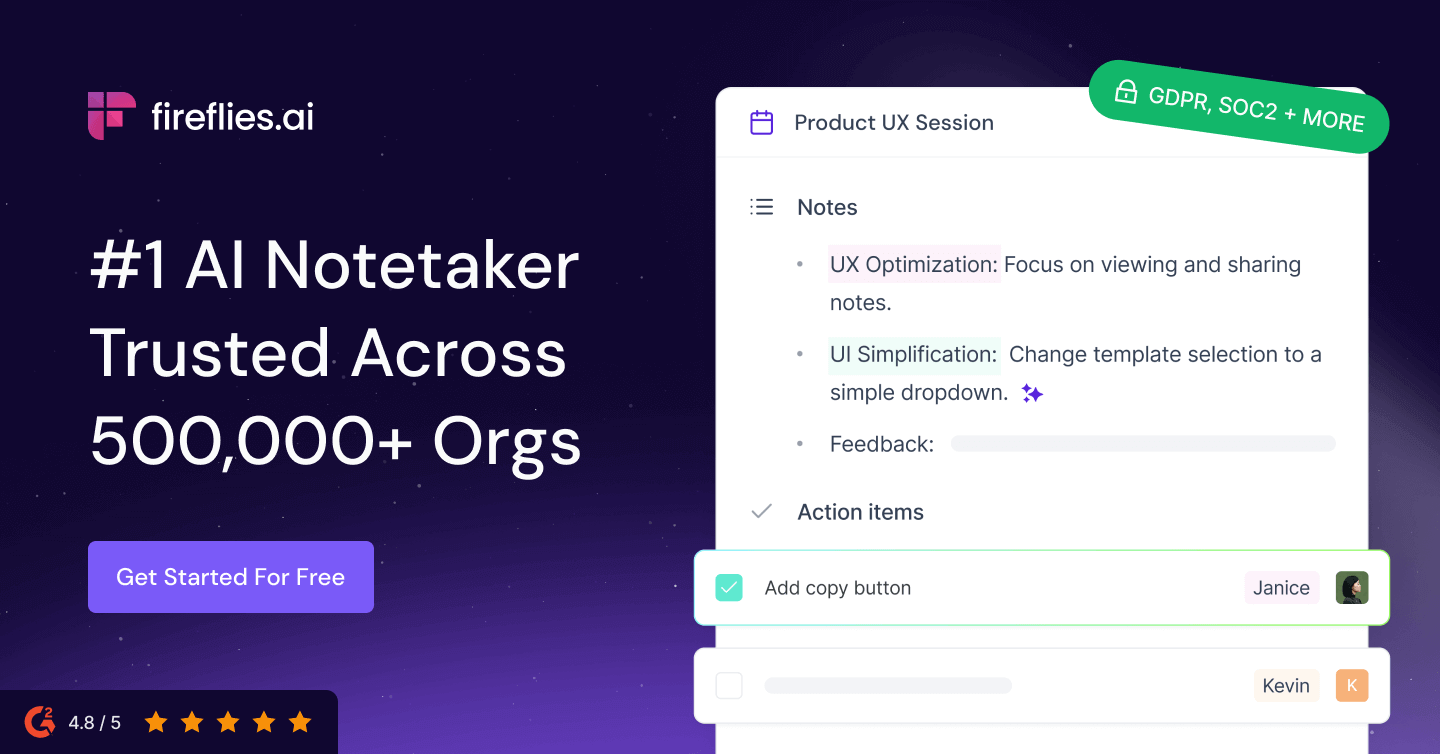
Fireflies.ai is an AI meeting assistant that records, transcribes, summarizes, and analyzes conversations across a team's meetings, email, chat, and CRM. The company says its assistant is used across more than a million companies and holds a 4.8 out of 5 rating on G2. At the core is meeting transcription the company claims is 95 percent accurate, with speaker recognition, automatic language detection, and support for more than 100 languages. Beyond notes, the platform offers over 200 AI Skills that automatically extract key details, draft follow-up emails, score candidates, and surface other insights from calls, plus conversation analytics for tracking what happens across teams. Practical extras include soundbites for clipping shareable moments, channels and user groups for organizing meetings by team, time-stamped comments and bookmarks, and downloads of summaries, transcripts, and audio. Customer quotes on the site credit it with bringing more structure and transparency to meetings and cutting down on follow-up calls. Integration is a major focus: Fireflies connects with CRMs like Salesforce and HubSpot to auto-fill notes and call logs, project tools like Asana and Trello to create tasks after meetings, ATS platforms including Greenhouse and Lever, and Slack for delivering notes and alerts where teams already work. On security, the company lists SOC 2 Type II, GDPR, and HIPAA compliance, zero data retention — data is never used for AI training — private storage, and customer data ownership. Pricing is not detailed on the homepage. Fireflies suits sales, recruiting, and product teams that want every conversation searchable, summarized, and piped into their existing tools without manual note-taking.

Clay

Clay

Clay is a data enrichment and prospecting platform that looks and behaves like a spreadsheet with superpowers. Each row is a person or company; each column is a step that fetches a fact, checks it, or acts on it, and instead of relying on one contact database, Clay queries more than a hundred data providers in waterfall sequence, so records come back fuller than any single source could deliver. On top of enrichment, teams can apply their own rules, score prospects against their ideal customer profile, and route finished records into a CRM or sending tool. Claygent, its AI research agent, browses company sites and public pages to answer custom research questions at scale, the kind of facts no fixed database covers, while AI formulas let you automate complex data tasks by describing them in plain English. Signal tracking surfaces funding rounds, hiring spikes, and job changes as timely outreach triggers, and native integrations with Salesforce and HubSpot close the loop into existing stacks. Every plan includes unlimited seats and tables, so cost tracks the work you run rather than headcount. Clay fits sales operations, RevOps, and growth teams engineering a custom, data-rich outbound motion rather than accepting an off-the-shelf database. It is a builder's tool with a real learning curve, and its credit-based pricing, actions for the work Clay does and data credits for third-party data bought through its marketplace, rewards careful planning. A practical example: a sales team imports a list of target accounts, Clay waterfalls email and phone finders until each record is complete, Claygent researches each company's recent news, AI columns score fit and draft personalized openers, and the finished list syncs to the CRM or sequencer. Templates and a strong user community lower the starting effort, though complex builds still reward experimentation. A free tier exists; check the site for current plan pricing.

Chatling

Chatling

Chatling is a no-code AI chatbot builder positioned as an AI customer service agent that resolves real questions rather than just deflecting them. Users train the bot by connecting their website, documents, and help center, which auto-sync so the AI always answers from current information without manual updates — and the site claims setup takes minutes with no credit card required. The platform deploys the same AI agent across web, WhatsApp, Instagram, Telegram, and Messenger, managing every conversation from one unified inbox. Key capabilities include instant answers to repetitive questions, seamless human handoff that passes full conversation context to the team when the AI cannot resolve an issue, lead capture and prospect qualification that runs even when the team is offline, and support in more than 80 languages for international customers. Chatling reports powering AI support for more than 1,000 teams, from solo founders to global brands, with a 4.7 rating on G2. It suits small teams and e-commerce stores that need round-the-clock customer support without hiring, agencies managing client sites, and businesses fielding heavy volumes of routine questions. Customers cited in on-site testimonials point to setup times measured in minutes using existing website and handbook content, accurate multilingual answers for international buyers, and after-hours coverage that reduced incoming support emails. Plans start with a free tier and scale through paid subscriptions detailed on the Chatling site. For teams comparing AI chatbots, Chatling's draw is the combination of omnichannel deployment, automatic knowledge syncing, and a no-code setup a non-technical owner can launch the same day.

Wonderchat

Wonderchat

Wonderchat is a no-code platform for building AI customer service and sales agents trained directly on a business's own content. The company positions it as one agent that can both resolve support conversations and convert sales conversations, citing its data in every reply and going live in about five minutes. The technical core is a retrieval engine that grounds every answer in the customer's connected content — help center, docs, past tickets — with citations, plus a QA agent that flags weak answers for one-click fixes so accuracy improves over time. As a support agent, Wonderchat deflects repetitive tickets, automates FAQs, answers product questions, and hands off to a human when unsure; it runs 24/7 in every language the business sells in, across websites, mobile apps, WhatsApp, and SMS. As a sales agent, it answers pre-sales questions, qualifies visitors, captures leads inline, books demos, routes by intent, and syncs leads to the CRM. It can also serve as an internal knowledge assistant for policies and process documents. Wonderchat reports more than 500 onboarded teams, over 2 million tickets resolved, a resolution rate above 70 percent, and a 4.9 out of 5 average rating. Its pricing pitch is a predictable monthly bill rather than per-resolution charges, arguing costs shouldn't spike exactly when the AI is working hardest; exact plan prices are on the site's pricing page. Security badges shown include SOC 2 and GDPR, and trials start without a credit card. Wonderchat fits support and sales teams that need an AI agent whose answers stay grounded in approved sources — especially teams that can't afford wrong answers.

AI tools for service businesses

Capture more leads, respond faster, automate follow-up, and book more appointments with our focused collection of verified tools for plumbers, HVAC companies, home-service operators, law firms, accounting firms, consultants, and agencies.

418 verified AI tools · 29 categories · 188 guides and comparisons

Explore Service Business AI tools · Compare workflow categories · Use the tool-selection checklist