AI tools for service businesses and more

Find trusted AI tools to capture leads, respond faster, automate follow-up, book appointments, and grow service businesses, plus tools for every workflow.

All

★ Featured

ChatGPT

ChatGPT

ChatGPT is OpenAI's flagship conversational AI assistant, used by hundreds of millions of people for writing, coding, research, analysis, and image creation. It works through a chat interface on web, desktop, and mobile: you ask in plain language, and it can also browse the web, analyze uploaded documents and spreadsheets, generate images, hold natural voice conversations, and carry out multi-step tasks on its own. Among its capabilities, Deep Research runs extended investigations across many sources and returns structured, cited reports; memory carries your preferences and context across conversations; Projects organizes related work; and Custom GPTs let anyone build a tailored assistant without writing code. The Codex agent writes, explains, and debugs code, while voice mode supports low-latency back-and-forth spoken interaction. Integrations with tools like Canva and PowerPoint extend ChatGPT into everyday creative and office workflows. ChatGPT suits individuals, students, and professionals who want a general-purpose assistant for drafting, brainstorming, learning, and light automation, while Business and Enterprise tiers add shared workspaces, admin controls, and stronger data protections for teams. It runs on OpenAI's current model family, with paid tiers unlocking stronger reasoning models, higher usage limits, priority access at peak times, and an ad-free experience; a free tier with usage caps is available. Plan lineups change often, so it is worth checking the official pricing page before subscribing: recent 2026 reviews describe a free tier, a budget Go tier, Plus at $20 per month, higher-usage Pro tiers, and per-seat business plans. For anyone exploring AI assistants, ChatGPT remains the default starting point: approachable, broadly capable, and closely tied to OpenAI's newest model releases.

featured
General Assistant

All listings

418 listings
Amazon Q Developer

Amazon Q Developer

Amazon Q Developer is AWS's generative AI assistant for software development, built to accelerate work across the full development lifecycle. It generates real-time code suggestions ranging from snippets to complete functions based on comments and existing code, supports inline chat inside the editor, and offers CLI autocompletion plus natural-language-to-bash translation in the terminal. The assistant can be customized by securely connecting it to private repositories, producing recommendations tuned to a team's own codebase and answering questions about internal code. It also helps with reliability and security: writing unit tests, optimizing code, and scanning for vulnerabilities with suggested remediations β€” AWS says its security scanning outperforms leading publicly benchmarked tools across popular languages. Its agentic coding capabilities can autonomously carry out multi-step tasks such as implementing features, writing documentation, running tests, and performing code reviews, and AWS cites top scores on the SWE-bench leaderboard. Amazon Q Developer is deeply integrated with AWS: it lives in the AWS Management Console, Microsoft Teams, and Slack, helping optimize cloud costs, advise on architectural best practices, and investigate operational incidents. It works in VS Code, JetBrains IDEs, Visual Studio, and Eclipse, plus GitLab Duo and GitHub integrations. Agents can also modernize applications, including .NET porting from Windows to Linux and Java version upgrades. It suits developers and teams building on AWS who want an assistant fluent in AWS services as well as code. A free tier includes 50 agentic chat interactions and up to 1,000 lines of code transformation per month, with Pro plans for heavier use. Note that AWS plans to discontinue the Q Developer IDE plugins on April 30, 2027, pointing users to Kiro for similar capabilities.

Cody

Cody

Cody is Sourcegraph's AI coding assistant, built to help developers understand, write, and fix code faster using the latest large language models combined with deep codebase context. Its defining feature is context: Cody uses Sourcegraph's advanced Search API to pull in information from both local and remote codebases, so answers draw on real API definitions, symbols, and usage patterns across an entire codebase rather than just the open file. The assistant's core capabilities include a developer chat where users ask questions, generate code, and request edits β€” with @ mentions to add context from specific files, symbols, remote repositories, or non-code artifacts β€” plus code completions, an auto-edit mode that proposes changes based on cursor movement and typing, and premade or customizable prompts that automate recurring workflow tasks. Context filters let teams exclude selected repositories from chat and autocomplete, and a dedicated debugging capability identifies and fixes errors in code. Cody connects with code hosts including GitHub and GitLab and IDEs including VS Code, JetBrains, and Visual Studio, and it works alongside other Sourcegraph products: running a search and opening a file surfaces a Cody button that opens chat with that code as context. Sourcegraph states that it does not use user prompts and responses to train models. Cody suits developers working in large or sprawling codebases, teams that need answers grounded in their own code, and organizations already using Sourcegraph's code search. Pricing is listed on Sourcegraph's site. For teams weighing AI coding assistants, Cody's codebase-wide context is its main differentiator.

Gemini Code Assist

Gemini Code Assist

Gemini Code Assist is Google's AI-powered coding assistant, available in Standard and Enterprise editions, designed to help development teams build, deploy, and operate applications across the software development lifecycle. It is positioned as the coding tool optimized for the Google Cloud ecosystem. The assistant works inside supported IDEs β€” VS Code, JetBrains IDEs such as IntelliJ and PyCharm, Android Studio, Cloud Workstations, and the Cloud Shell Editor β€” offering code completions as you type, full function and block generation from comments or prompts, unit test generation, and help with debugging, understanding, and documenting code. An agentic chat mode can execute complex multi-step tasks using system tools and Model Context Protocol (MCP) servers, and a conversational assistant works with the context of open files. Responses can include source citations when quoting from existing code, and the product carries IP indemnification and enterprise-grade data governance. Beyond the IDE, integrations extend AI assistance into Firebase, BigQuery (data insights and SQL generation), Colab Enterprise, Cloud Run, Database Studio, Apigee (OpenAPI spec authoring), and Application Integration. The Enterprise edition adds customization on an organization's private repositories in GitHub, GitLab, and Bitbucket, so suggestions align with internal codebases and practices, plus a quota for Gemini CLI usage. Google's documentation notes that, as an early-stage technology, outputs should be validated before use. Pricing and quotas are documented on the Google Cloud site rather than summarized here. Gemini Code Assist fits teams building on Google Cloud who want IDE-native AI coding with enterprise compliance and private-code customization. Setup guides are provided in the Google Cloud documentation.

Pieces

Pieces

Pieces is now positioned as an AI memory layer for modern work, a tool that builds a living, searchable timeline of everything you do across the apps you already use, so you can recover decisions, resume where you left off, and feed real context into your AI tools. The desktop app captures what you see in the focused application and what you copy and paste by default, with meeting audio as an opt-in source, forming memories roughly every two seconds. From that timeline you can search and filter by time, topic, person, or tool, asking, in effect, what you did, read, or decided at any moment, and turn hours of retracing your steps into one click: standup updates, morning briefs, meeting prep, and day recaps generated from your actual context. It pulls from a wide net of sources: emails, calendars, web research and browser activity, code editors and terminals, design tools, project notes and wikis, team chat, and your AI conversations and agent activity. Pieces suits knowledge workers and developers drowning in context scattered across tools, especially anyone who loses time reconstructing why a decision was made or what was discussed weeks ago. The site lists the price as zero dollars, suggesting a free offering. One note for directory readers: this listing's category is "Coding Assistants," a holdover from Pieces' earlier life as a code-snippet manager; the product has since repositioned as a general AI memory layer, though developers still benefit from its capture of code suggestions, edits, and debugging trails.

Playcode AI

Playcode AI

Playcode is an AI app builder that turns a business idea into a working website, app, or AI-powered product, then hosts it on its own cloud. The pitch is aimed at non-technical founders: describe what your customers should be able to do, and Playcode's AI plans, builds, and checks the screens, application logic, and database behind the product, with progress visible in a live preview. You then walk through the experience as a customer, request changes, refine the design, and publish on Playcode Cloud when ready β€” bringing your own domain or buying one through Playcode. Beyond the build step, the platform bundles the pieces a real product needs: sign-in, customer records, file uploads, and workflows backed by a cloud database; AI features for your own customers such as answers and summaries, using supported models of your choice; and media generation β€” logo concepts, icons, images, short videos, music, sound effects, and spoken narration β€” created as you build. It also handles product videos, slide decks, keyword research, and speed checks after launch, plus domains and transactional email for the app. Collaboration is built in: work continues in the phone browser from the same account, teammates can be invited into a project, and saved versions let you roll code, files, and database back when a change goes wrong. You own the code you build and can export the whole project, tests included, to run on any VPS. Playcode reports more than 2.6 million projects created and 1.1 million users, counting from its 2016 origins as a browser coding tool. It fits founders and small teams who want to ship a real product without hiring developers first. Signing up requires no credit card; media generation on paid plans uses credits.

Lovable

Lovable

Lovable is an AI app and website builder that turns plain-language descriptions into production-grade software. The workflow is simple: describe what you want, watch Lovable build it in real time, iterate on the result conversationally until it is right, and then ship it and start using it immediately. The pitch is that if you can describe a product, you can build it β€” no coding required to get from idea to a working application. Unlike simple website generators, Lovable handles end-to-end infrastructure: hosting, authentication, payments, and integrations are part of the platform, so the apps it produces are meant to run as real products and businesses rather than prototypes. The site highlights companies that have built on it, including eXp Realty, which reports canceling millions in SaaS contracts after rebuilding custom software on Lovable with over $2 million in yearly savings; Klar, built to a €130K ARR run in 30 days; The Scion Group, with every department building custom tools and over 100 apps deployed in under four months; and healthcare platform Nursa, which built a new product in 48 hours. Lovable suits non-technical founders validating ideas, teams replacing expensive SaaS contracts with custom internal tools, and builders who want full products rather than landing pages. Because building happens conversationally in real time, users can request changes, see them applied immediately, and keep iterating until the product is ready to ship and use the same day. Pricing is shown on the Lovable site. For anyone comparing AI app builders, Lovable's emphasis is on shipping production software with real infrastructure, not demos.

Google Colab

Google Colab

Google Colab is a cloud-hosted notebook environment for Python that runs entirely in the browser, removing the need to install or configure a local data-science stack. It is aimed at students, educators, researchers, and data practitioners who want to write and run code β€” including machine-learning workloads β€” from any internet-connected device. The service's current positioning centers on Gemini-powered AI assistance built into the notebook. Colab can generate, explain, and debug code from natural-language descriptions in real time; run autonomous analysis where Gemini generates and executes the code needed to answer questions about data, from charts to insights; and transform existing code with a single prompt for refreshing, optimization, and documentation. For educators, pre-populated tutorial notebooks and a student-friendly interface lower the learning curve for teaching Python and data science, while researchers can explore datasets and prototype models without managing infrastructure. Notebooks are easy to share, making Colab a common choice for tutorials, course assignments, and reproducible research. For organizations, Colab Enterprise β€” built into Vertex AI and Google Cloud β€” adds scalable notebooks, centralized workspaces secured with IAM, regional storage, and the network, security, and support guarantees enterprise teams expect. The developer page fetched for this listing did not detail the free tier's compute limits or GPU availability, so users should check Colab's current plan documentation for the latest on free versus paid compute. Colab suits learners and researchers who want a zero-setup Python environment with AI-assisted coding, and teams that need a governed, collaborative notebook platform on Google Cloud.

Notion AI

Notion AI

Notion AI is the artificial intelligence layer built directly into Notion's all-in-one workspace for docs, wikis, databases, and projects. Instead of a separate chatbot, the AI works where your notes and knowledge already live: drafting, rewriting, summarizing, and translating text inline, and answering questions grounded in your own workspace content. Everyday features include an AI writing assist that generates and edits copy in any page, a summarize block that condenses long documents into bullet points, and an action-items block that extracts tasks and commitments from notes or transcripts. In databases, Autofill can populate properties, such as summaries, categories, and owners, from page content automatically. The Q&A capability searches across your entire workspace so you can ask things like what was decided about a budget and get a synthesized answer, and enterprise search extends that reach to connected apps such as Slack, Google Drive, GitHub, and Jira. For heavier automation, Notion Agents execute multi-step tasks across the workspace, and custom agents can run on schedules or triggers; AI meeting notes transcribe and summarize calls from Zoom, Meet, and Teams without a meeting bot. Notion AI fits teams that already live in Notion and want leverage on their institutional knowledge, for onboarding, documentation, and project follow-through. AI access is offered as a paid add-on to Notion plans, with the full agent capabilities concentrated in higher tiers, so check Notion's pricing page for current terms. Because the AI inherits Notion's permission model, answers and summaries respect who can see what, which matters for teams sharing sensitive internal documentation. It also helps non-writers: product specs, meeting notes, and status updates can be drafted from rough bullets, and translation support covers multiple languages for distributed teams. For knowledge-heavy teams, it turns a wiki into something that writes, summarizes, and answers back.

Reclaim.ai

Reclaim.ai

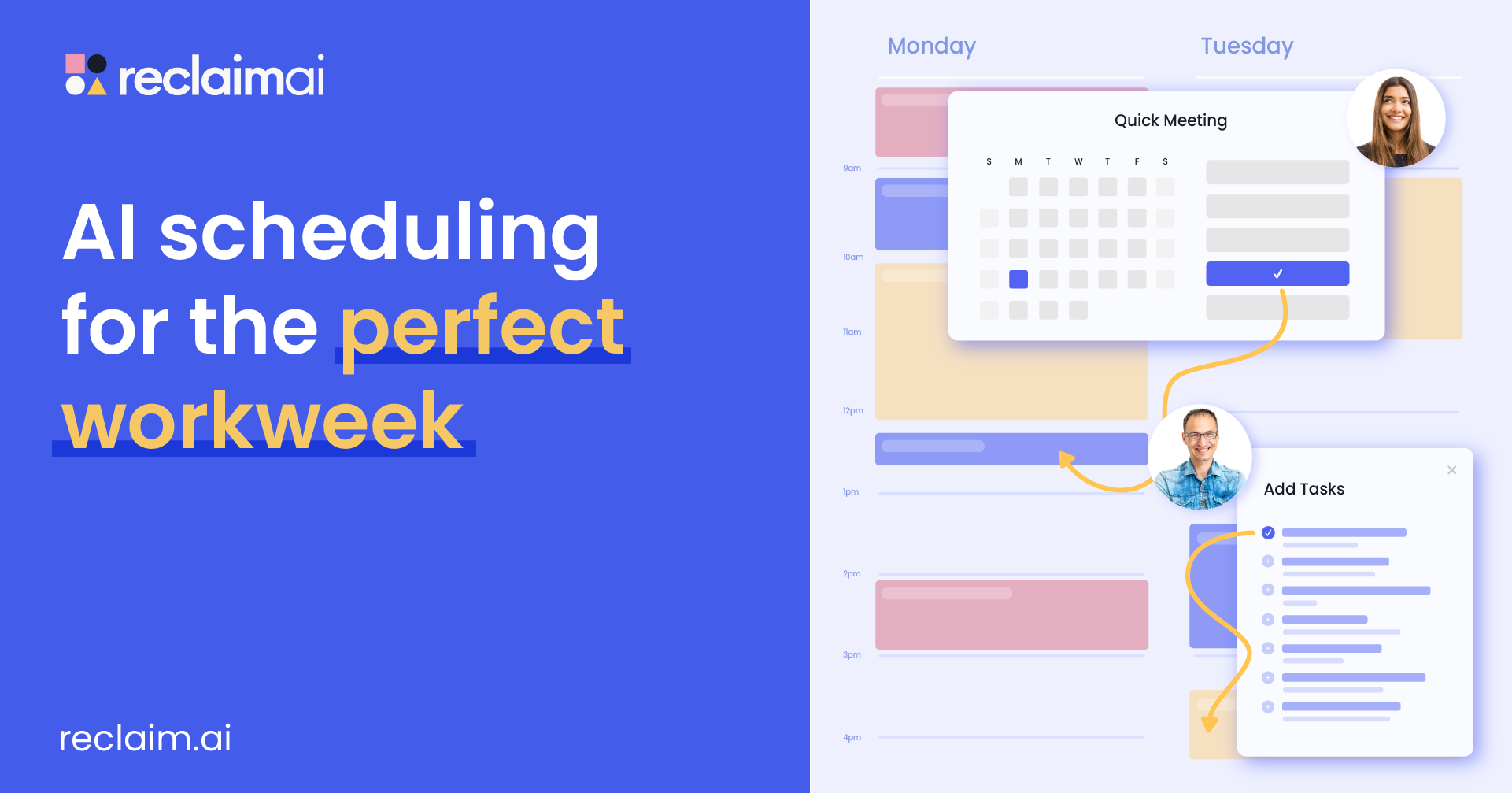
Reclaim.ai is an AI calendar assistant that turns scheduling from a reactive chore into proactive time optimization. It runs on top of Google Calendar or Outlook Calendar, automatically scheduling AI-powered meetings, focus time, tasks, and habits around existing events, and it can sync multiple calendars across both platforms to prevent conflicts and protect personal commitments on a work schedule. The assistant continuously analyzes availability against priorities, workload, meetings, and focus time, surfacing recommendations and trade-offs and rebalancing the schedule as priorities shift. Users can interact with it conversationally β€” to optimize the week, resolve conflicts, protect focus time, or adjust meetings β€” with preview and approval controls before any change is applied. As the week changes, it dynamically adapts meetings, tasks, and focus time to reduce overload and resolve conflicts. Reclaim serves individuals, managers, and enterprises. Individuals get automatic task, habit, and focus-time scheduling plus time-use insights; managers can protect team focus time and balance meeting load with workload visibility; enterprise leaders can automate focus and meeting policies org-wide and measure time allocation and meeting hygiene through executive dashboards, with privacy-first insights. The platform also offers scheduling links as a Calendly alternative β€” Reclaim reports users see far more meeting availability and faster bookings β€” while going beyond links to schedule tasks, breaks, and deep work automatically. The company reports measurable outcomes across its user base, including about 7.6 additional hours of focus time per week and reduced overtime. It fits busy professionals and growing teams fighting calendar fragmentation and burnout. Pricing is listed on Reclaim's site.

AI tools for service businesses

Capture more leads, respond faster, automate follow-up, and book more appointments with our focused collection of verified tools for plumbers, HVAC companies, home-service operators, law firms, accounting firms, consultants, and agencies.

418 verified AI tools Β· 29 categories Β· 188 guides and comparisons

Explore Service Business AI tools Β· Compare workflow categories Β· Use the tool-selection checklist